

For companies that already hold COR
Already certified? Move your program into a system your crew will use
Your program passed an audit. The binder is the problem. We move your policies, forms, worker records and certificates into your own offline field app, check them as they go in, and tie every new record to the audit element it proves.
Is this you?
This is for you if
- You are certified, and the maintenance audit still means a week of digging through paper
- Your crews fill forms out at night, or not at all, because the paper never makes it back
- Tickets and certificates expire without anybody noticing until a client asks
- You pay per seat for software your seasonal crew never gets added to
Probably not for you if
- Your current system already produces audit evidence and your crew uses it
- You want the program itself rewritten. That is a program build, and it starts on the Get COR page
What you get
What moves across, and what you get back
- Policies and procedures
- Loaded as they are, organised by audit element, and flagged if something would not survive your next audit.
- Your forms, rebuilt
- The inspections, hazard assessments and meeting records your crew fills in, working on a phone with no signal.
- Worker records and tickets
- Every worker with their training and certificates, and the expiry dates in front of you before they lapse.
- Historical records, where they import
- Agreed during the document review, with the most recent evidence period first.
- Evidence tied to the audit
- Each new submission filed against the element it proves, so the next audit is a check rather than a rebuild.
- Your crew on it
- Workers added, the app on their phones, and supervisors walked through the forms they own.
Migrating is not rewriting. If a procedure would fail your next audit, you hear about it and get a separate quote. It is never folded into the migration without asking. Need the program built from scratch instead? Start with the program build.
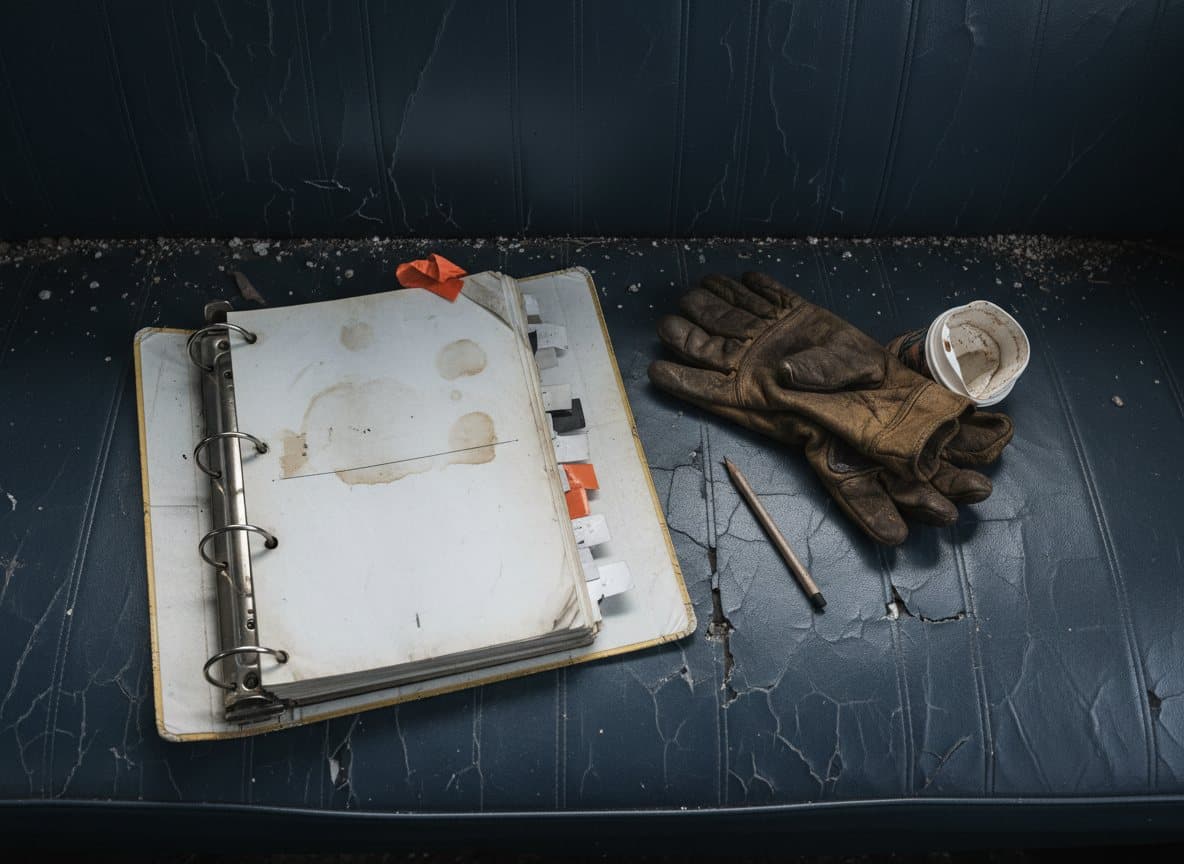
The binder. One current copy, in a cab, and nobody else is sure what is in it.
The same records, findable
Every submission, by day, with who signed it
Paper is not wrong. It is slow to search, it cannot be copied, and it lives in one vehicle. The week before an auditor arrives is when that stops being a small problem.
Once your program is loaded, every form your crew submits is searchable by date, site and person, with the signature and the time attached.
How it runs
Six steps, and what you bring to each
Step 1
Document review
We read whatever you have, in whatever state it is in.
You bring: The binder, the forms your crew uses, and the last audit report if there is one.
Step 2
Gap plan
We list what is missing against your certifying partner's audit, and what the build will cover.
You bring: The name of your certifying partner and the scope you want.
Step 3
Build and configuration
We write the program and set it up in your own copy of the app, mapped to the audit as it goes in.
You bring: Answers to our questions about how the work is actually done on your sites.
Step 4
Crew rollout
We add the crew, get the app onto their phones and walk the supervisors through it.
You bring: A crew list and an hour with your supervisors.
Step 5
Audit preparation
We check the evidence against each audit element and prepare the people the auditor will talk to.
You bring: Time with the workers and supervisors who will be interviewed.
Step 6, optional
Managed continuity
We host it, keep it current and make the changes as your work changes.
You bring: A phone call when something changes.

Who does the work
Every build is done by me
I am Blake Cowan. I hold the National Construction Safety Officer designation, and I have done safety work across construction, trucking and oilfield. I have sat on both sides of a COR audit.
Your program is not handed to a junior or an offshore team. I write it, I set it up, and when you call 780-832-5158 it is my phone that rings. I work out of Barriere, British Columbia.
What it costs
Published, start to finish
A migration moves a program that already exists, so it has a fixed starting price. It only goes up if you ask us to rewrite something we find.
| Part | Price | What it covers |
|---|---|---|
| System setup | $1,500 | Your own copy of the app, on accounts in your name, configured for your company |
| Program and records loaded | $3,000 | Policies, procedures, forms, worker records and certificates entered and checked |
| Total to go live | From $4,500 | A working system with your program in it, ready for the crew on day one |
| Managed hosting, optional | From $250 a month, small company | Hosting, database, backups, upgrades and the changes your work needs |
| Rewriting content that would fail an audit | Quoted separately | Only if we find it, and only if you want it fixed |
Scroll the table sideways to see every column. The first column stays in place.
If it does not work out
The program documents are yours. The app runs on accounts in your name, and the data sits in a standard database you can export. If you stop working with us, we hand over any credentials we hold and the system keeps running.
There is no export fee and no wind down charge. Who owns what, and how the handover works.