COR and SECOR program builds for Canadian contractors and carriers
Get COR-ready without building the whole safety program yourself.
We write and organize your safety program, set it up in your own offline field app, train your team and prepare the evidence for your first audit.
Or call Blake directly at 780-832-5158
- Founder led by an NCSO
- Works offline
- You own your data
- No per user licence fee
Which situation are you in?
Need certification
We build the program and get you to your first audit.
Already certified
We move what you have into a system your crew will use.
Carrier compliance
Safety and maintenance programs written for your province, with the records to back them.
Only researching for now? The free readiness checklist, the templates and the TRIF calculator need no email.
What a build hands over
What you get, in plain terms
- Program documents
- Policies, procedures, hazard assessments and safe work practices, written for your work and your certifying partner.
- Forms
- The forms your crew fills in, rebuilt to work on a phone in a yard with no bars.
- App setup
- Your own copy of Cor Pathway 360, on accounts in your name, configured for your company.
- Worker onboarding
- Every worker added and the app on their phone. Supervisors get walked through it in person or on a call.
- Audit mapping
- Each record tied to the audit element it proves while it is collected, not the week before.
- First audit preparation
- The documents gathered, the gaps closed, and the people the auditor will interview ready for it.
- Ongoing maintenance, if you want it
- Documents kept current and forms added as your work changes. You can also run it yourself.
What each part costs is further down this page.

Filled with a glove on, in a yard with no bars. It uploads on the drive back.
Works in the dirt
Built for yards with no signal
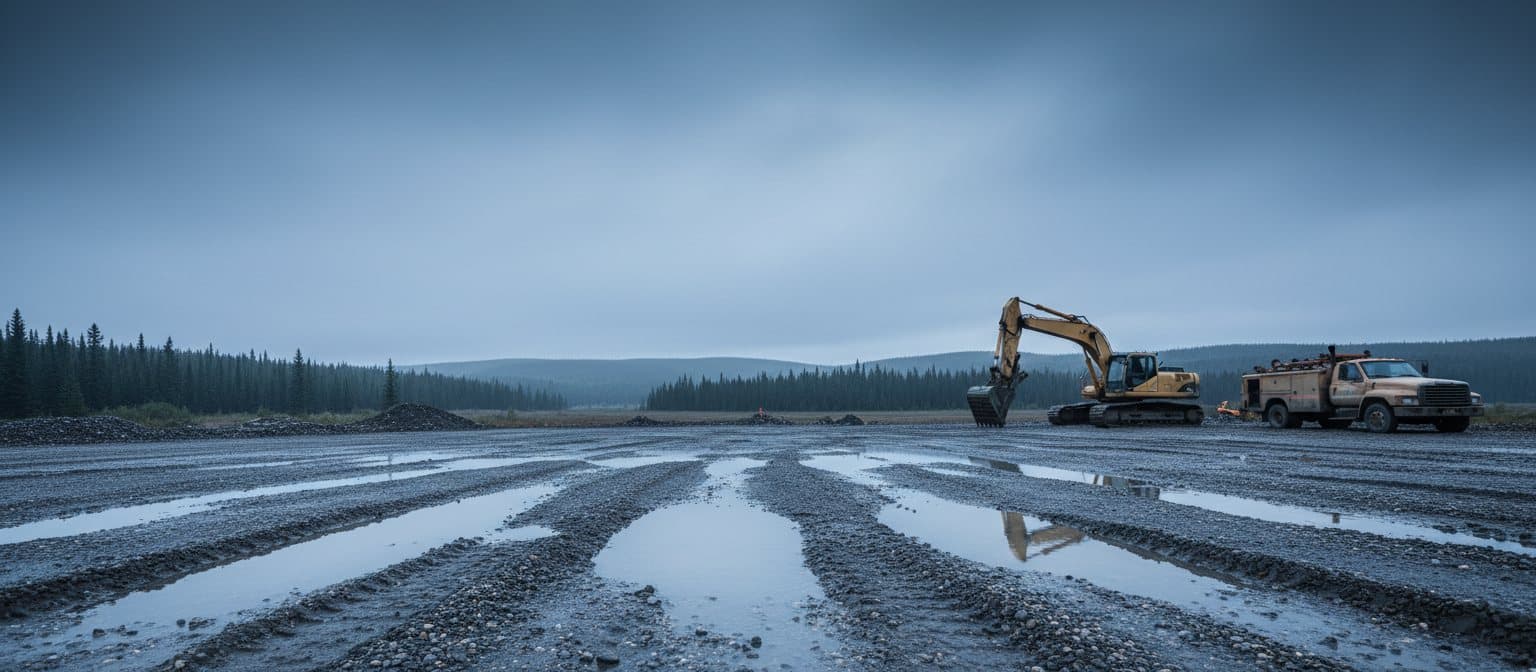
Crews work where there is no signal, sometimes for days. Forms, photos and signatures save on the phone and sync when signal comes back.
That matters at audit time. A form that will not save at the tailgate gets filled out from memory that evening, or not at all. An auditor can tell.
Each record is tied to your certifying partner's audit elements as it comes in, so nobody rebuilds the binder the week before.
How a build runs
Six steps, and what you bring to each
Step 1
Document review
We read whatever you have, in whatever state it is in.
You bring: The binder, the forms your crew uses, and the last audit report if there is one.
Step 2
Gap plan
We list what is missing against your certifying partner's audit, and what the build will cover.
You bring: The name of your certifying partner and the scope you want.
Step 3
Build and configuration
We write the program and set it up in your own copy of the app, mapped to the audit as it goes in.
You bring: Answers to our questions about how the work is actually done on your sites.
Step 4
Crew rollout
We add the crew, get the app onto their phones and walk the supervisors through it.
You bring: A crew list and an hour with your supervisors.
Step 5
Audit preparation
We check the evidence against each audit element and prepare the people the auditor will talk to.
You bring: Time with the workers and supervisors who will be interviewed.
Step 6, optional
Managed continuity
We host it, keep it current and make the changes as your work changes.
You bring: A phone call when something changes.
Who does the work
Every build is done by me
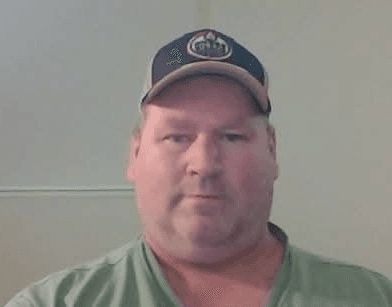
I am Blake Cowan. I hold the National Construction Safety Officer designation, and I have done safety work across construction, trucking and oilfield. I have sat on both sides of a COR audit.
Your program is not handed to a junior or an offshore team. I write it, I set it up, and when you call 780-832-5158 it is my phone that rings. I work out of Barriere, British Columbia.
What it costs
You pay for the work. The software is free.
There is no charge per seat. Here is every price we publish, and the two we quote once we have seen your documents.
| What you are buying | Price | What it covers |
|---|---|---|
| COR or SECOR program build | Quoted after a free document review | Your program written, mapped to your certifying partner and set up in your own app. $1,000 comes off the loaded setup when we take you through certification. |
| Existing program migration | From $4,500 | $1,500 to stand up your system and $3,000 to load your policies, procedures, forms and records, checked as they go in |
| Carrier safety and maintenance program | Quoted after a free document review | NSC maintenance and trip inspection programs for your province, set up for your drivers |
| Managed hosting and support | From $250 a month, small company | Hosting, database, backups, upgrades and the changes your work needs |
| Cor Pathway 360 software | $0 licence | Every feature, at any crew size, on accounts you own |
Scroll the table sideways to see every column. The first column stays in place.
See the full breakdown, including what the per seat vendors charge a 40 person crew.
What stays yours if we stop working together
Your accounts, your data
The app runs on hosting and a database in your name. We are a member you invite in, and you can remove us.
Export whenever you like
Your records sit in a standard Postgres database. Taking them somewhere else is a normal export, not a support ticket.
The builder answers the phone
Support comes from Blake, the person who wrote your program. There is no ticket queue between you.
A handover if we part ways
We hand over every credential we hold and the system keeps running. No export fee and no wind down charge.
The software is open source, so there is no licence server and no switch anyone can flip, us included. How ownership, backups and handover work.
Bring whatever you have
Even if it is three photocopied forms. We will tell you what a build involves and what it costs. If you are better off doing it yourself, we will tell you that too.
Not ready to talk? Take the templates instead.